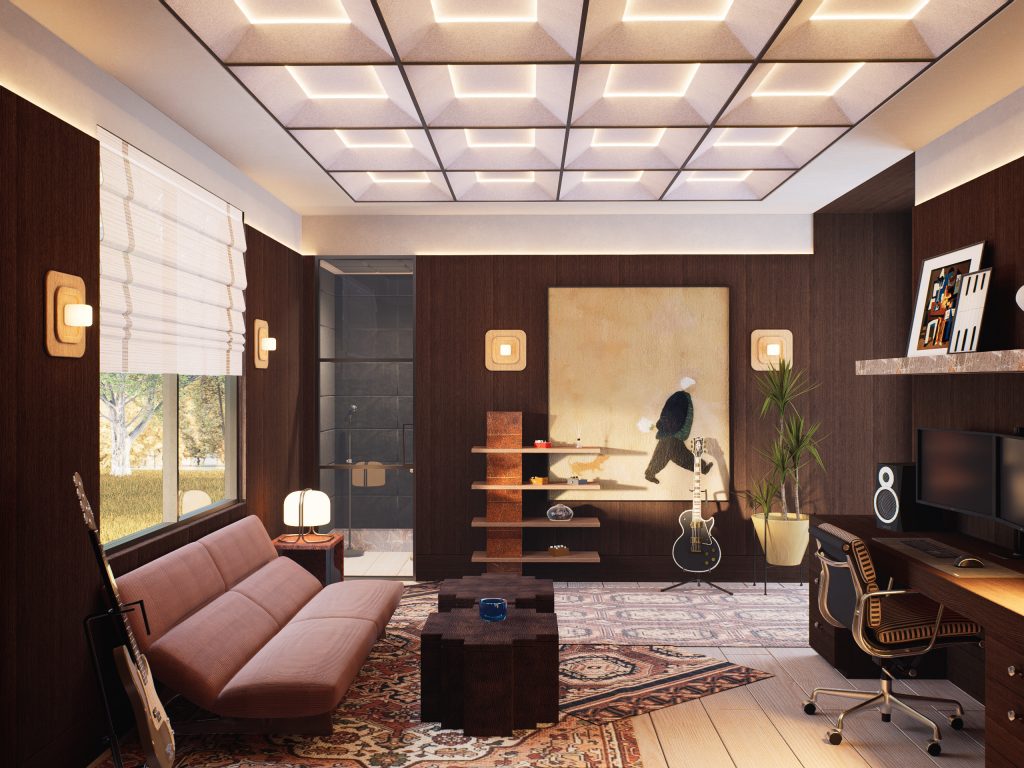
Every week another AI tool promises to “create renders in seconds.” If you are an interior designer, you have probably wondered whether a single prompt can now replace a 3D visualization studio.
Here is our honest answer: AI has changed how we work, but it does not do the work for us. At RLT Visualization Studio we use AI inside a workflow built around a real, scaled 3D model. That model is what keeps every view consistent, every dimension correct and every render faithful to your design. AI helps us get there faster and gives us results that used to take days.
This is exactly where AI fits into our process, step by step.
AI works inside our workflow, not instead of it
A purely AI-generated image can look impressive, but it has no plan behind it. Walls move between views, furniture changes size, and the kitchen in one image does not match the kitchen in the next. That is fine for a mood image. It is not fine when your client is about to approve a design that a contractor will build.
So we keep the parts that need precision in our 3D model, and we use AI for the repetitive or time-consuming steps around it. The result is the best of both: the speed of AI and the control of a real 3D scene.
1. From floor plans to a base model, faster
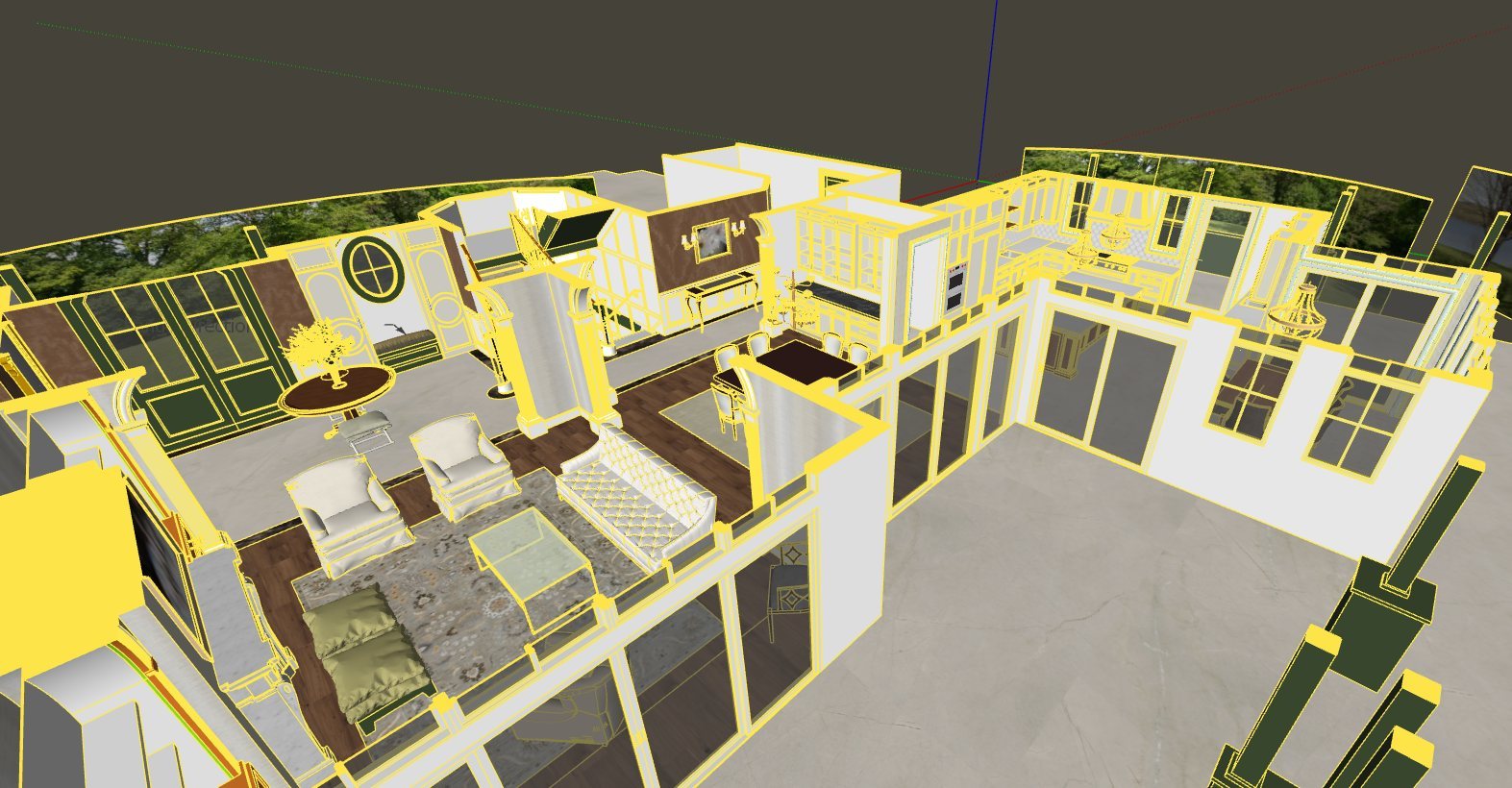
The first step of any project is turning your plans into a 3D model. We now use AI to generate the base model of the walls directly from the floor plans. What used to be hours of tracing becomes a starting point in minutes.
Then the real work begins. We check every wall, opening and dimension against your plans before we go any further. Once the base is right, we model the details by hand: moldings, baseboards, custom millwork, ceilings and every element that makes your design yours.
What it means for you: we reach the first draft sooner, and the time we save goes into the details that matter.
2. Any material your client loves, as a seamless texture
Clients often fall in love with a specific fabric, stone or wallpaper. You send us a photo, or a link to the product, and you expect to see exactly that material in the render.
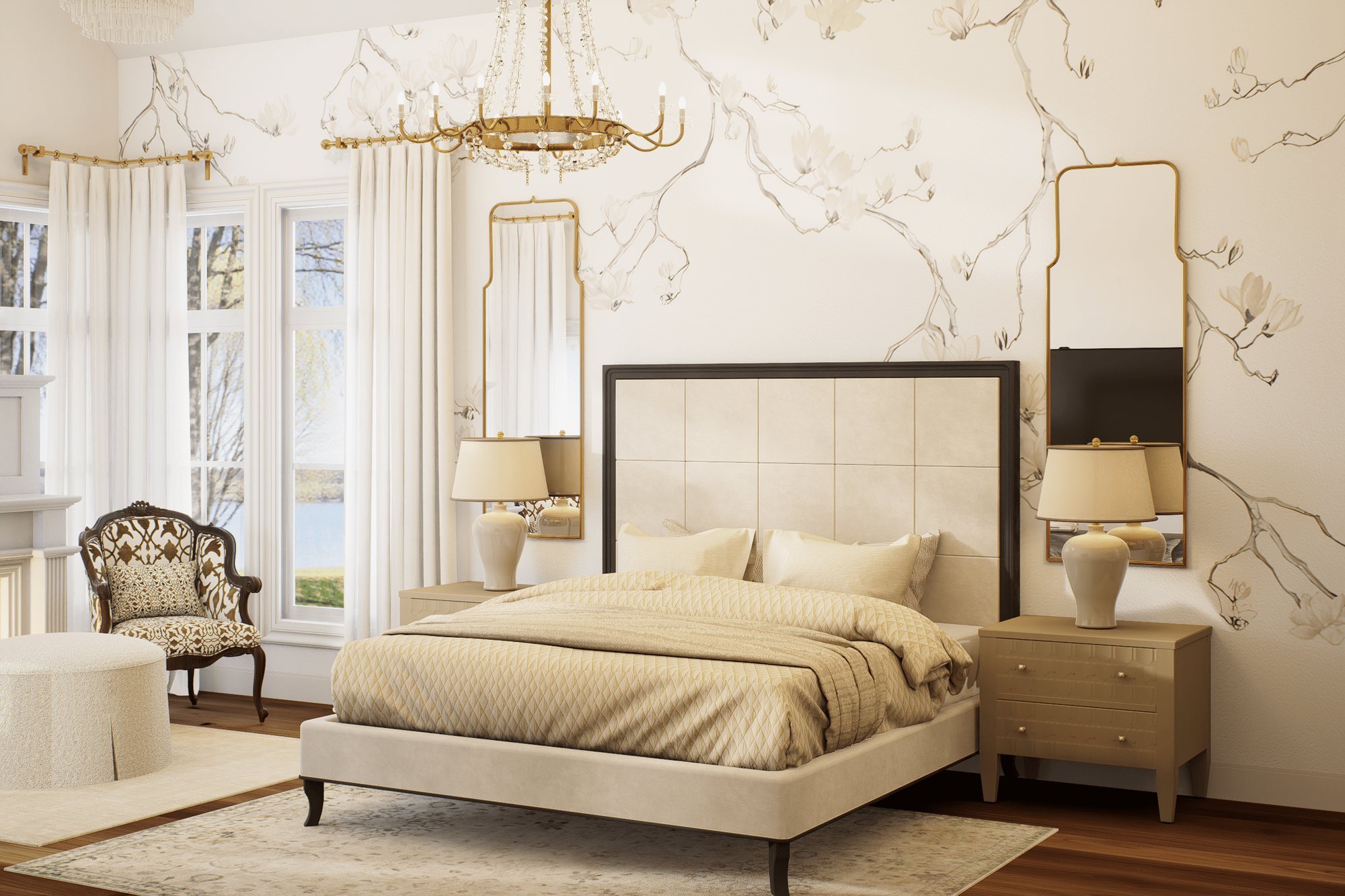
Inside D5 Render, we use AI to turn that photo into a seamless texture: a material that repeats cleanly across a sofa, a floor or a full wall, with no visible seams or stretched patterns. It looks right in the render because it is built from the real material you chose, not a generic substitute.
What it means for you: the finishes in the render match the samples on your table, even when they come from a phone photo or a product page.
3. Custom furniture from a link or a photo
Designers rarely use catalog furniture only. You might send us a link to a specific chair, a photo of a vintage piece or a custom table from a local maker.
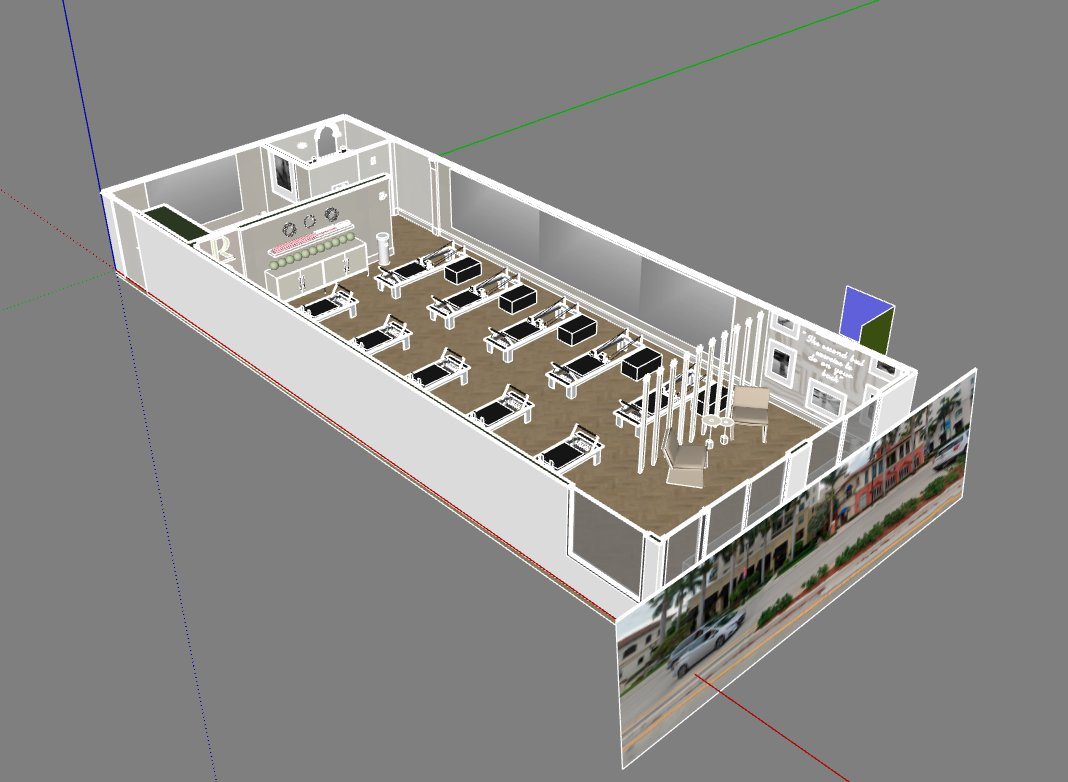
We use Lupa AI to create a 3D base model of that piece from the link or the photo. In many cases it is ready to use at the right scale. When a piece needs more detail, we refine it by hand until it matches the original. Either way, it goes into the scene at its real dimensions.
What it means for you: the exact furniture you specified appears in the render, not “something similar.”
4. Post-production without breaking the scene
Once the render is ready, clients often ask for small changes: different decor on a shelf, another rug, a few people to bring the space to life. Re-rendering for every small request takes time.
For these edits we use Nano Banana 2, an AI image editing tool. Because it works on top of our finished render, the architecture, lighting and scale stay intact. We can add people, adjust decor or test an iteration your client asked for, without changing the space you designed.
What it means for you: faster rounds of changes, and renders that feel lived-in while staying true to the design.
5. Bringing renders to life with motion
A still image shows the design. A few seconds of movement shows how the space feels. We use Higgsfield to animate the people inside a render and create short videos.
These clips are perfect for client presentations, social media and project launches, and they come from the same render your client already approved.
What it means for you: content that stands out on Instagram and in presentations, without a full animation budget.
What AI does not do for us
It is just as important to say where AI stays out of the process:
- Scale and dimensions. They come from your plans and our 3D model, and we verify them by hand.
- Consistency between views. Every view comes from the same 3D scene, so the kitchen in view one is the same kitchen in view four.
- Your design decisions. We render your design. AI does not invent finishes, layouts or furniture you did not choose.
- Quality control. Every image is reviewed by our team before it reaches you.
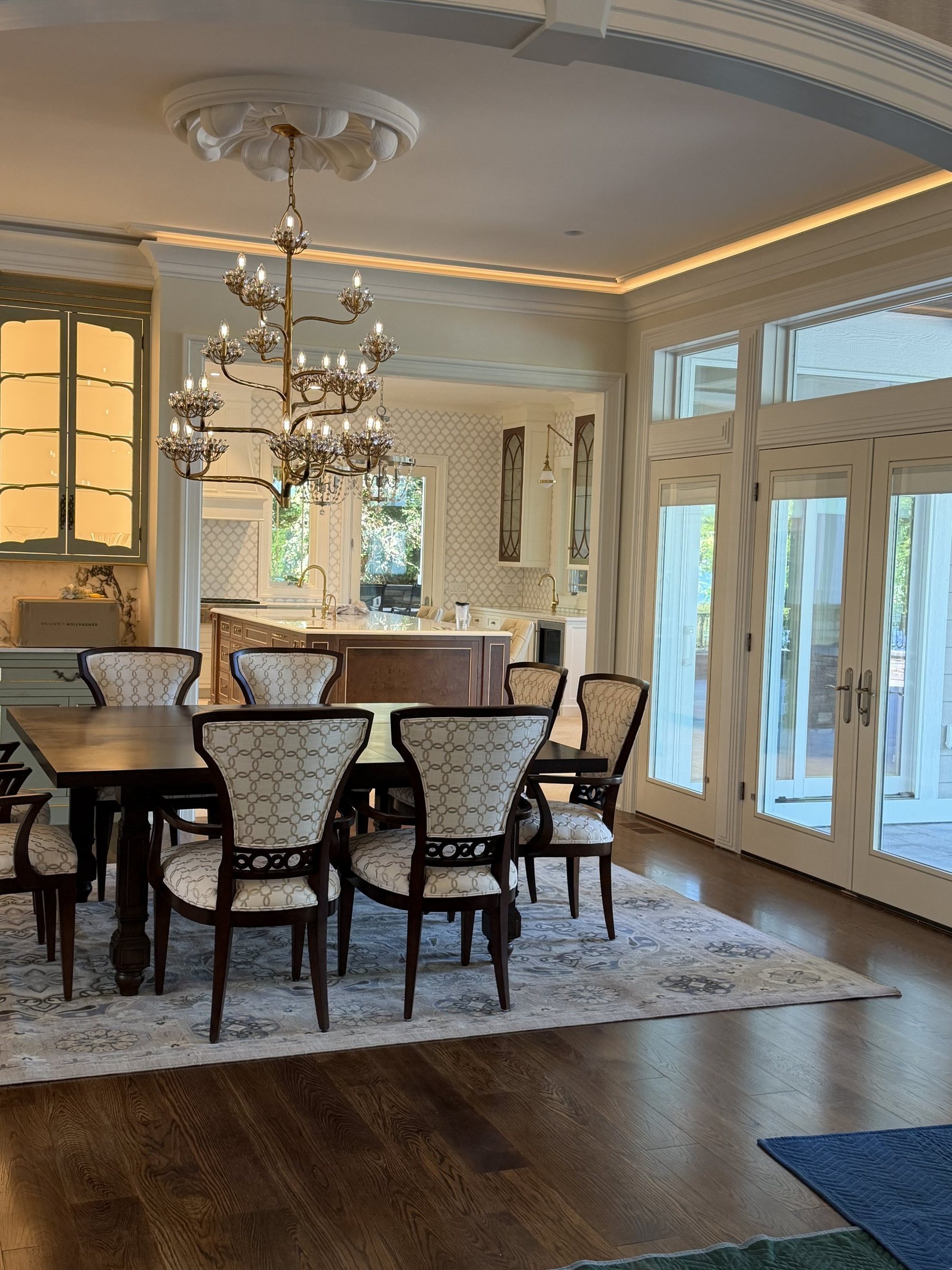
What this means for your next project
For you, AI in our workflow is not about cutting corners. It means:
- Faster first drafts, so you can present sooner.
- The real materials and furniture you specified, not generic stand-ins.
- Quicker rounds of changes when your client asks for options.
- Renders and short videos that are consistent, accurate and ready to win the approval.
AI makes our workflow simpler and opens the door to results we could not produce before. The control over the scene, the consistency between views and the realism still come from our team and a real 3D model.
Have a project coming up? Send us your brief and we will reply with a quote within 24 hours, or take a look at our case studies to see the full process from plans to approval.